Small tools I built because I wanted them in my own day. All of them are open source and MIT licensed, so take a look, build one, or borrow an idea.
On the Mac
Small native apps for the menu bar and the notch.
macOS notchSwift
Nocchi
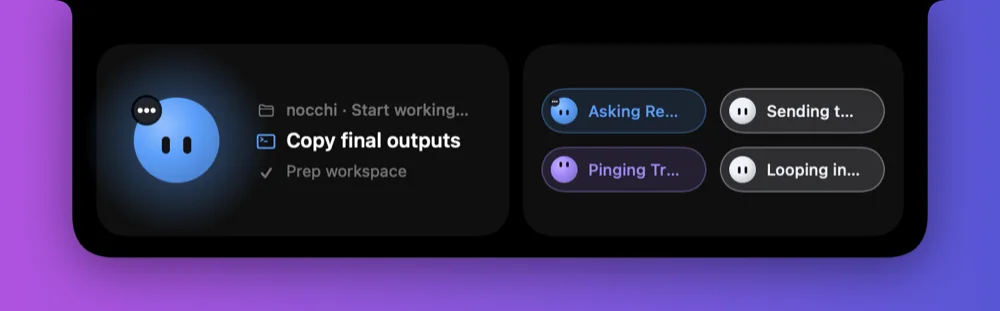
A little face in your notch that shows what your coding agents are doing.
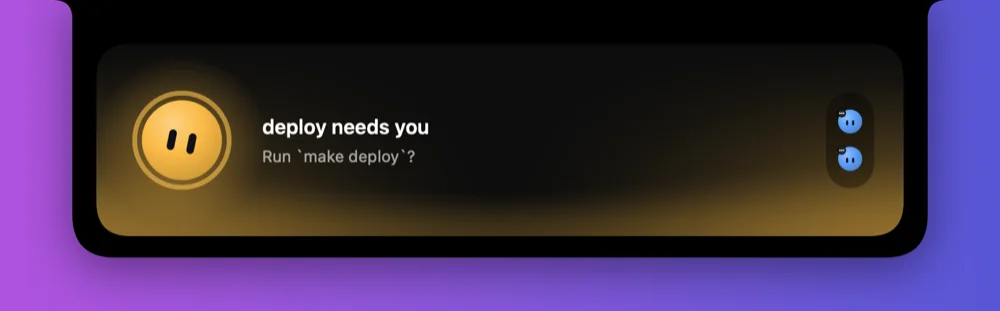
Claude Code, Codex and anything else Herdr runs get a face that works, thinks, waits for you, celebrates when it is done and dozes off when idle. Collapsed, it hugs the notch. Hover, and it springs open.
Color means state: thinking, working, needs you, done, failed
Opens by itself when an agent needs your attention
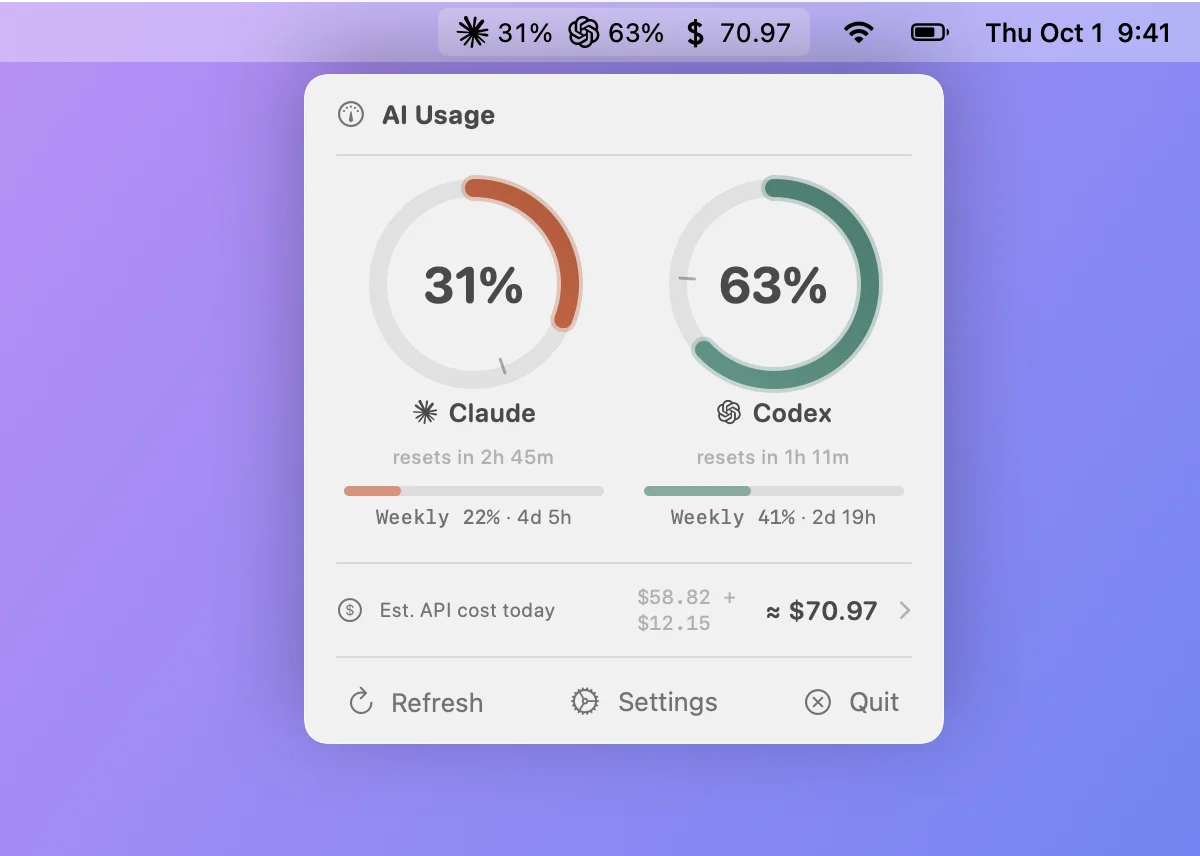
Ring gauges for the 5-hour session window, a pacing tick that shows where usage should be for even consumption, and weekly limits underneath. Optionally, an estimate of what the day would have cost at API list prices.
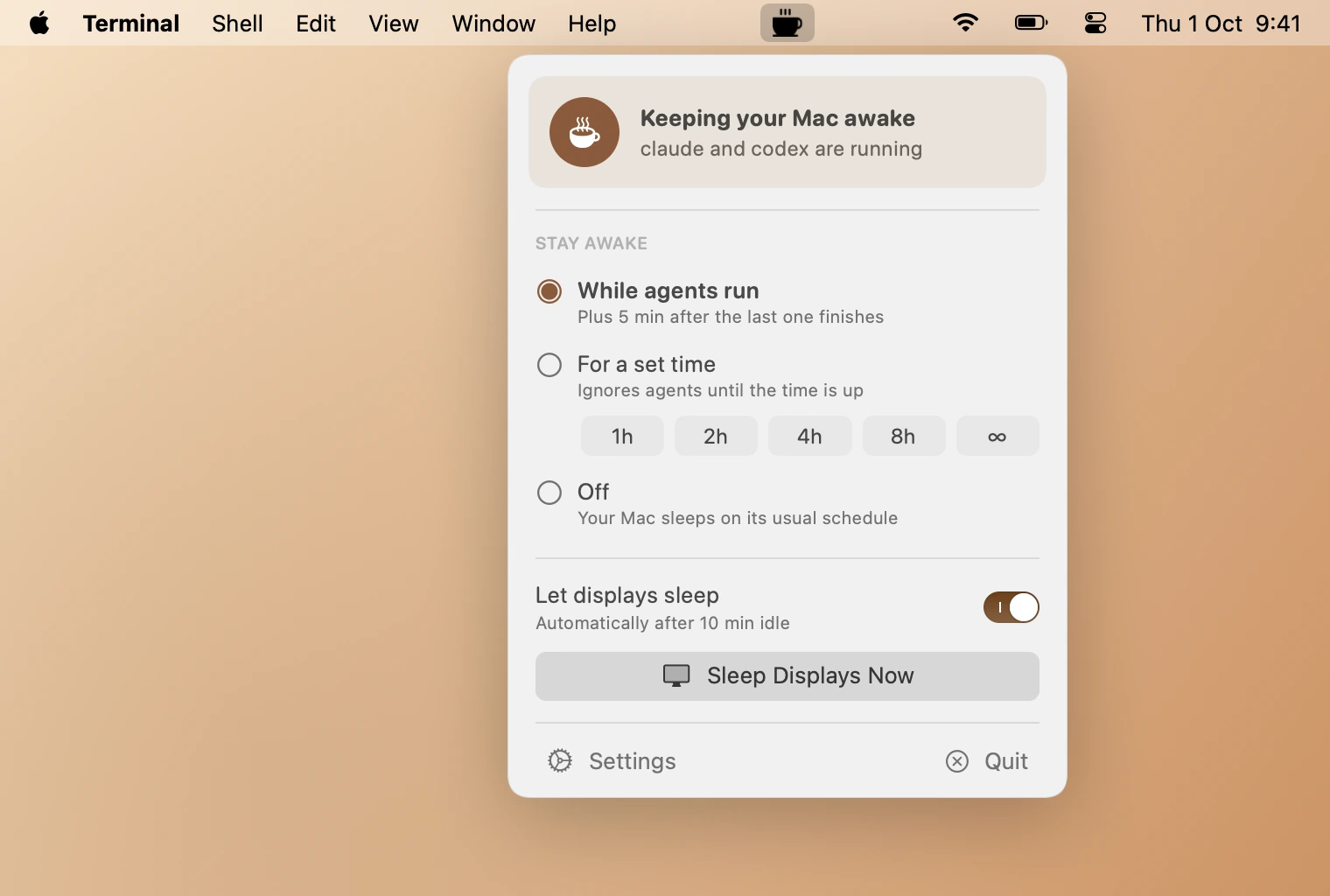
Keeps your Mac awake while agents work, and lets the displays sleep.
It holds the same power assertion as caffeinate -i, but only while an agent CLI is running, plus a short grace period. Your display timer still applies, so OLED panels don’t burn in during a long run.
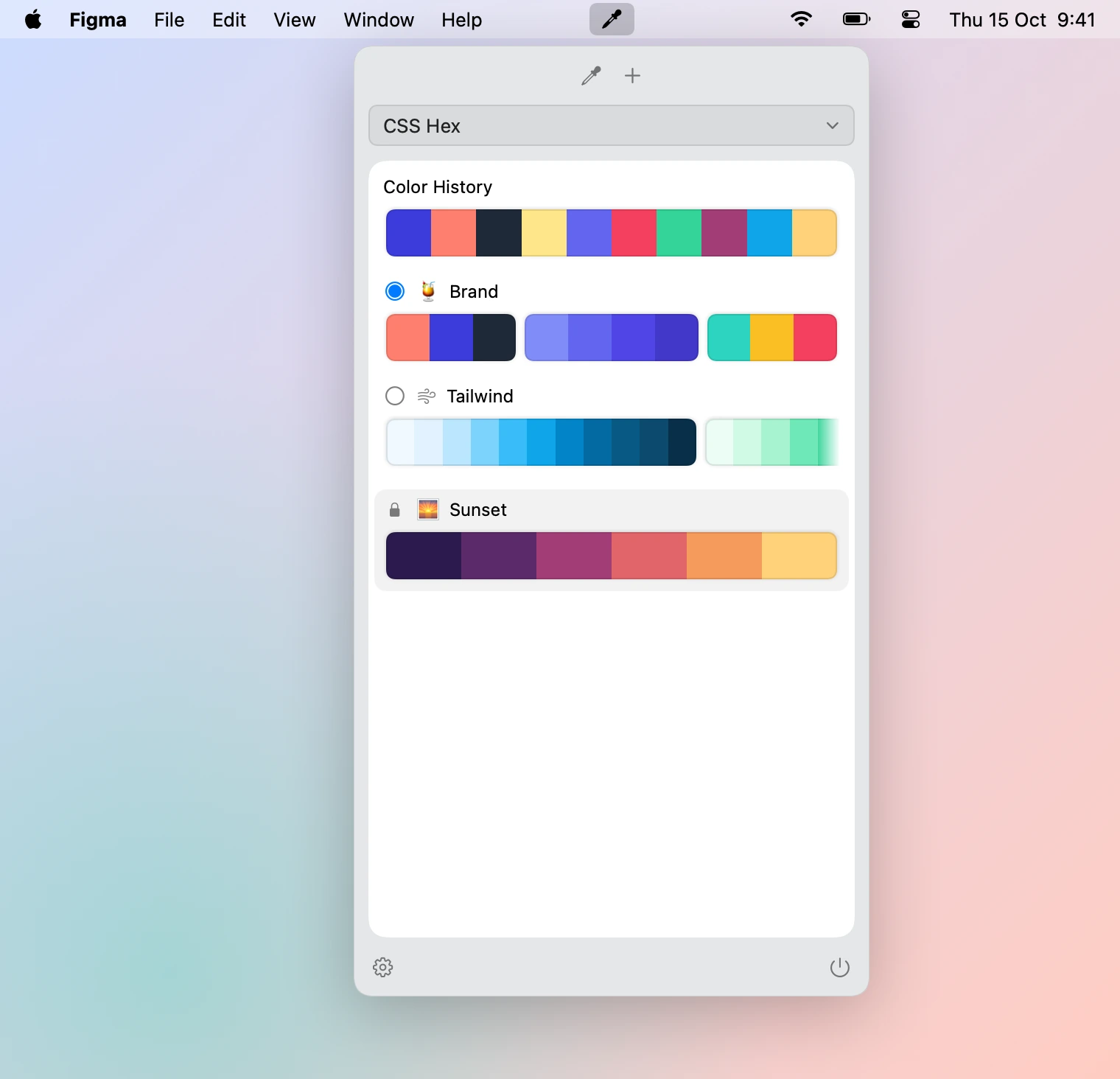
Pick colors from anywhere on screen, keep them in palettes with named groups, and copy them in the format you need: CSS, SwiftUI, AppKit, UIKit or Android.
Keyboard-driven tools for people who live in a shell.
~ jotty
TerminalRust
jotty
Jot down thoughts scoped to a project, without leaving files in it.
Jots belong to the enclosing git repository and live in ~/.config/jotty, one markdown file per project. Capture from the command line or a pipe, then browse, filter and edit them in a small TUI.
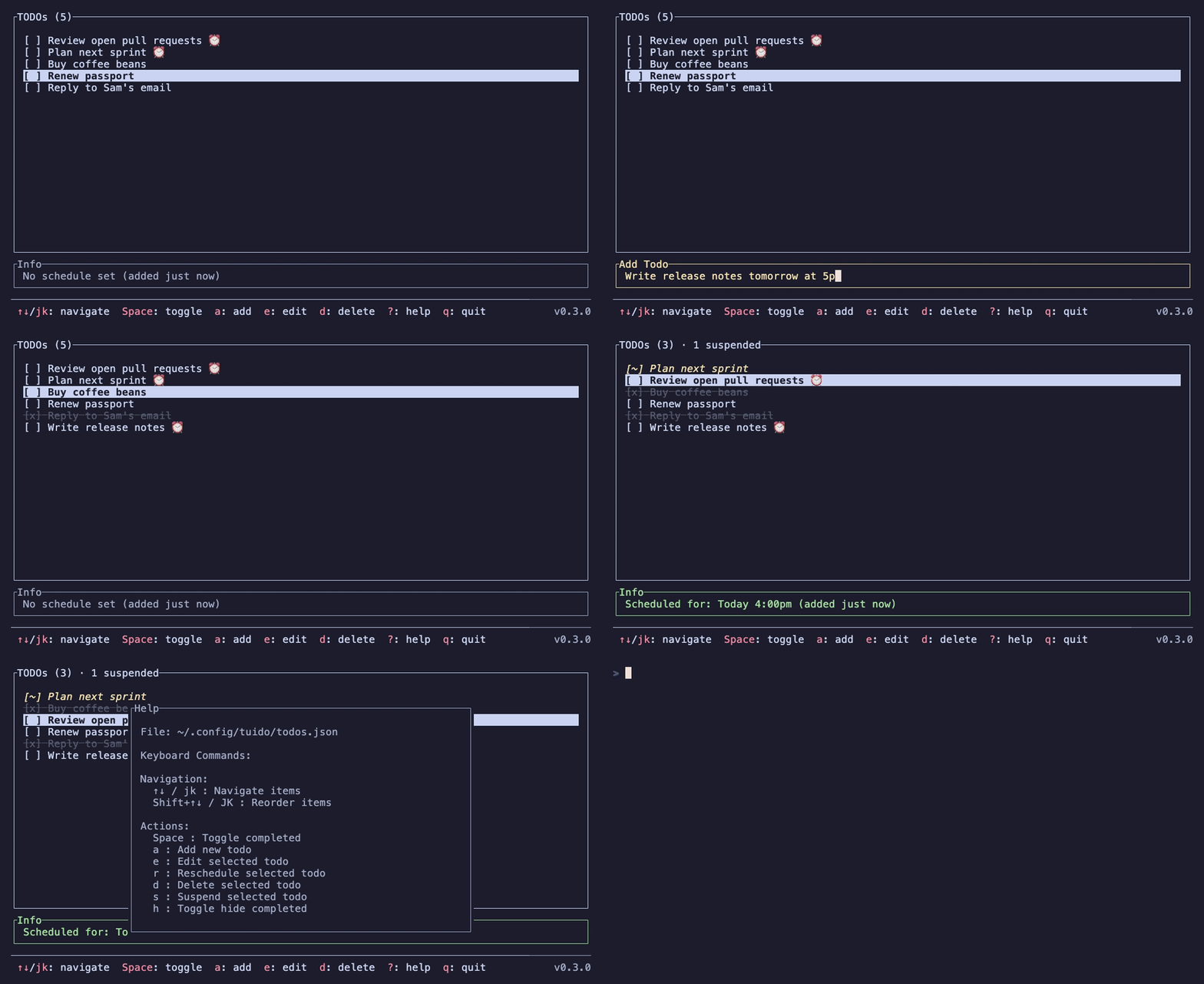
Add, edit and toggle todos, schedule them in plain language like “tomorrow at 9pm”, and get a desktop notification when one goes overdue. Prebuilt for Linux, macOS and Windows.